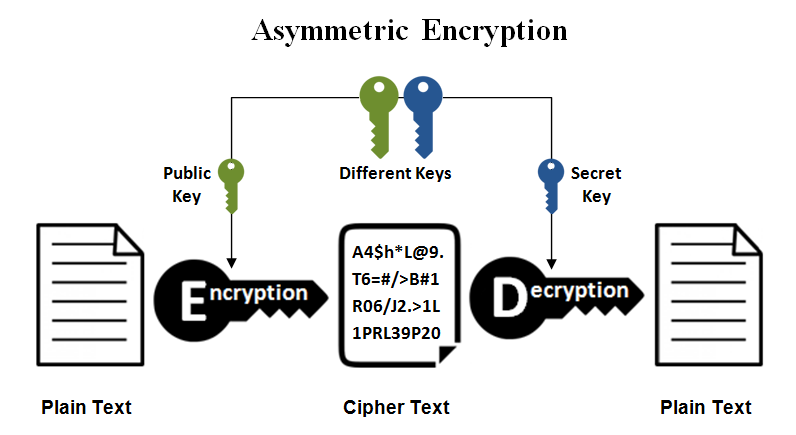
openssl genrsa -out mykey.pem 1024will actually produce a public – private key pair. The pair is stored in the generated mykey.pem file.
openssl rsa -in mykey.pem -pubout > mykey.pubwill extract the public key and print that out. Here is a link to a page that describes this better.
openssl rsa -in key.pem -pubout -out pubkey.pemTo get a usable public key for SSH purposes, use ssh-keygen:
ssh-keygen -y -f key.pem > key.pubThis public key format is compatible with OpenSSH. Append the public key to remote:~/.ssh/authorized_keys and you’ll be good to go
ssh-keygen -y [-f input_keyfile]
-y This option will read a private OpenSSH format file and print an OpenSSH public key to stdout.

docs from SSH-KEYGEN(1)
Leave a Reply