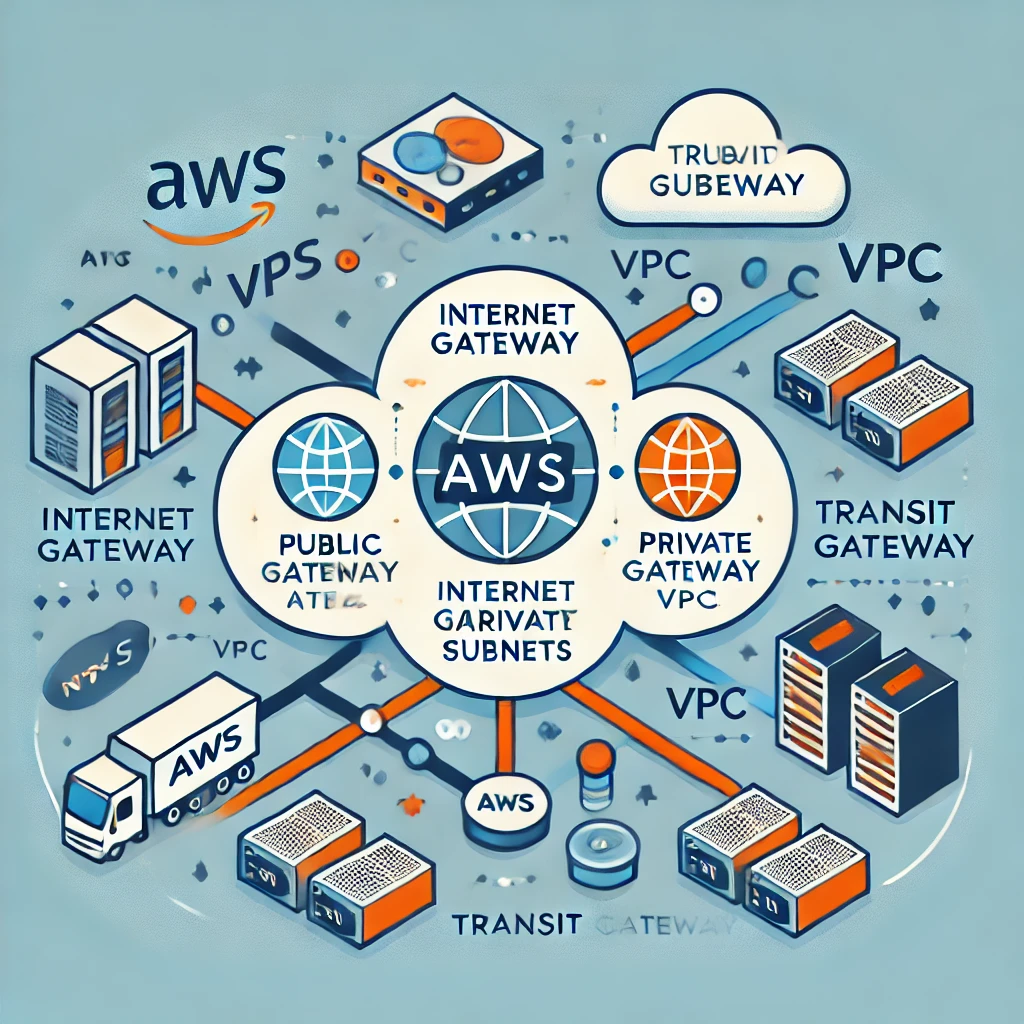
The purpose of this post is to garner a deep understanding of AWS networking, particularly focusing on building scalable, secure, and efficient cloud infrastructure using Virtual Private Clouds (VPCs).
By the end of this post, we will get the knowledge to design and manage AWS networks that can grow with our application needs while maintaining robust security.
In this post I will be exploring on
- Understanding VPCs: How to create and manage VPCs, which are foundational to AWS networking.
- Scalability and Security: We will discover the importance of designing your VPCs for both scalability and security from the start.
- Practical Implementation: Gain insights into best practices for implementing and maintaining a scalable and secure network in AWS.
The post is based on the AWS Re:Invent video
Introduction to AWS Networking
AWS networking is the backbone of cloud infrastructure. It lets you connect, manage, and secure your resources in the cloud. At the core of AWS networking is the Virtual Private Cloud (VPC), a virtual network dedicated to your AWS account. A VPC lets you define your IP address ranges, create subnets, and set up routing tables and gateways.
A well-designed VPC enables your applications to scale efficiently and ensures that your data remains secure. This makes understanding VPCs crucial for anyone working with AWS.
What is a Virtual Private Cloud (VPC)?
A Virtual Private Cloud (VPC) is a logically isolated network within the AWS cloud. It lets you launch AWS resources, like EC2 instances, into a virtual network that you’ve defined. You have complete control over your virtual networking environment.
This includes you can select your IP address range, the creation of subnets, and the configuration of route tables and network gateways.
VPCs provide the framework within which all your AWS resources operate. They allow you to manage network traffic, isolate sensitive data, and ensure high availability. Without a properly configured VPC, your applications could be exposed to security risks, performance bottlenecks, and scalability issues.
Key Components of a VPC:
- Subnets: Subnets allow you to partition your VPC’s IP address range into smaller, more manageable sections. You can create public subnets, which are accessible from the internet, and private subnets, which are not.
- Route Tables: Route tables contain a set of rules, called routes, that determine where network traffic is directed. Each subnet in your VPC must be associated with a route table.
- Internet Gateway: An internet gateway enables communication between your VPC and the internet. It allows instances in your public subnets to access the internet.
- NAT Gateway: A NAT gateway allows instances in private subnets to connect to the internet while preventing the internet from initiating connections with those instances.
- Security Groups and Network ACLs: These are virtual firewalls that control inbound and outbound traffic to your instances. Security groups act at the instance level, while network ACLs act at the subnet level.
Building a Scalable and Secure VPC
Creating a VPC is the first step in deploying your infrastructure on AWS. Here’s a step-by-step guide to building a scalable and secure VPC:
1. Choose Your AWS Region
Your VPC will reside in an AWS region, which is a geographic area that contains multiple availability zones (AZs). The region you choose will impact latency, cost, and compliance. For optimal performance, select a region that is geographically close to your users.
2. Design Your Subnets
Subnets allow you to divide your VPC into smaller networks. AWS recommends placing resources that need to be accessible from the internet, such as web servers, in public subnets. Resources that don’t need internet access, like databases, should be placed in private subnets.
Why This Matters:
By separating public and private resources, you enhance security and improve resource management. For example, you can route traffic from the internet to a public subnet and then securely communicate with private resources using private IP addresses.
3. Set Up Route Tables
Route tables determine how traffic is directed within your VPC. Each subnet must be associated with a route table. A common setup involves creating a route table for public subnets that directs traffic to an internet gateway and a separate route table for private subnets.
Key Consideration:
Proper configuration of route tables is crucial for ensuring that traffic flows correctly within your VPC. Misconfigured routes can lead to connectivity issues or expose your private resources to the internet.
4. Implement Security Groups and Network ACLs
Security groups and network ACLs control traffic to and from your AWS resources. Security groups operate at the instance level and are stateful, meaning that return traffic is automatically allowed regardless of inbound or outbound rules. Network ACLs operate at the subnet level and are stateless, meaning that return traffic must be explicitly allowed by rules.
Best Practices for Security Groups and ACLs:
- Least Privilege Principle: Only allow the minimum required traffic to and from your instances. This reduces the attack surface.
- Use Tags: Tag your security groups and ACLs to manage them more effectively. This is especially useful in large environments.
- Regularly Review Rules: Periodically audit your security groups and ACLs to ensure that no unnecessary rules have been added.
The Importance of Scalability
Scalability is the ability of your network to grow with your application. As your application attracts more users, your network must be able to handle the increased traffic without compromising performance. AWS provides several features that help you design scalable VPCs.
1. Auto Scaling
Auto Scaling allows your AWS resources to scale automatically based on demand. You can set up scaling policies that adjust the number of EC2 instances in your VPC based on metrics like CPU usage or network traffic.
If you’re familiar with traditional server environments, Auto Scaling in AWS is like adding or removing servers from a load balancer based on traffic. The key difference is that AWS automates this process, ensuring that your application can handle fluctuations in traffic without manual intervention.
2. Elastic Load Balancing (ELB)
ELB distributes incoming application traffic across multiple targets, such as EC2 instances, in one or more availability zones. This helps you achieve fault tolerance and high availability.
By spreading traffic across multiple instances, ELB ensures that no single instance is overwhelmed by requests. This is particularly important for applications that experience sudden spikes in traffic.
3. Multi-AZ Deployments
Deploying your resources across multiple availability zones (AZs) ensures that your application remains available even if one AZ experiences an outage. AWS regions are made up of multiple AZs, each isolated from the others.
Multi-AZ deployments are critical for achieving high availability. They provide redundancy, ensuring that your application can continue operating even during infrastructure failures.
Best Practices for Securing Your VPC
Security is a top priority when building a VPC. AWS provides several tools and services to help you secure your VPC and the resources within it.
1. Use Security Groups and Network ACLs
Security groups and network ACLs are your first line of defense. Ensure they are configured to allow only the traffic that is necessary for your application to function. Implement the principle of least privilege by restricting access to and from your instances as much as possible.
2. Enable Logging and Monitoring
AWS CloudTrail and VPC Flow Logs allow you to monitor traffic and detect suspicious activity. CloudTrail records AWS API calls for your account, while VPC Flow Logs capture information about the IP traffic going to and from network interfaces in your VPC.
Logging and monitoring provide visibility into your network traffic. This is crucial for identifying potential security threats and ensuring compliance with regulatory requirements.
3. Implement Multi-Factor Authentication (MFA)
Use MFA to secure access to your AWS management console. MFA requires users to provide two forms of authentication—something they know (like a password) and something they have (like a smartphone app)—before they can log in.
MFA adds an extra layer of security to your AWS account. Even if a user’s password is compromised, an attacker would still need the second form of authentication to gain access.
4. Regularly Update Your Security Policies
Security is an ongoing process. Regularly review and update your security groups, network ACLs, and IAM policies to address new threats and vulnerabilities.
In traditional IT environments, security policies might be updated quarterly or annually. In a cloud environment, updates should be more frequent to keep pace with the evolving threat landscape.
Few Questions and Answers
Q: What is the role of a Virtual Private Cloud (VPC) in AWS networking?
A: A VPC is a logically isolated network within the AWS cloud that allows you to launch resources into a virtual network that you’ve defined. It provides the framework for managing network traffic, ensuring security, and enabling scalability.
Q: Why is it important to design a VPC for scalability?
A: As your application grows, your network needs to handle increased traffic without compromising performance. Designing your VPC with scalability in mind ensures that your resources can scale efficiently, avoiding bottlenecks and ensuring high availability.
Q: How do security groups and network ACLs differ?
A: Security groups operate at the instance level and are stateful, meaning return traffic is automatically allowed. Network ACLs operate at the subnet level and are stateless, meaning return traffic must be explicitly allowed by rules.
Q: What are some best practices for securing a VPC?
A: Best practices include using security groups and network ACLs to restrict access, enabling logging and monitoring, implementing multi-factor authentication (MFA), and regularly updating security policies.
Q: How does Elastic Load Balancing (ELB) contribute to high availability?
A: ELB distributes incoming traffic across multiple targets, such as EC2 instances, ensuring that no single instance is overwhelmed. This helps maintain high availability by preventing any one instance from becoming a single point of failure.
Leave a Reply