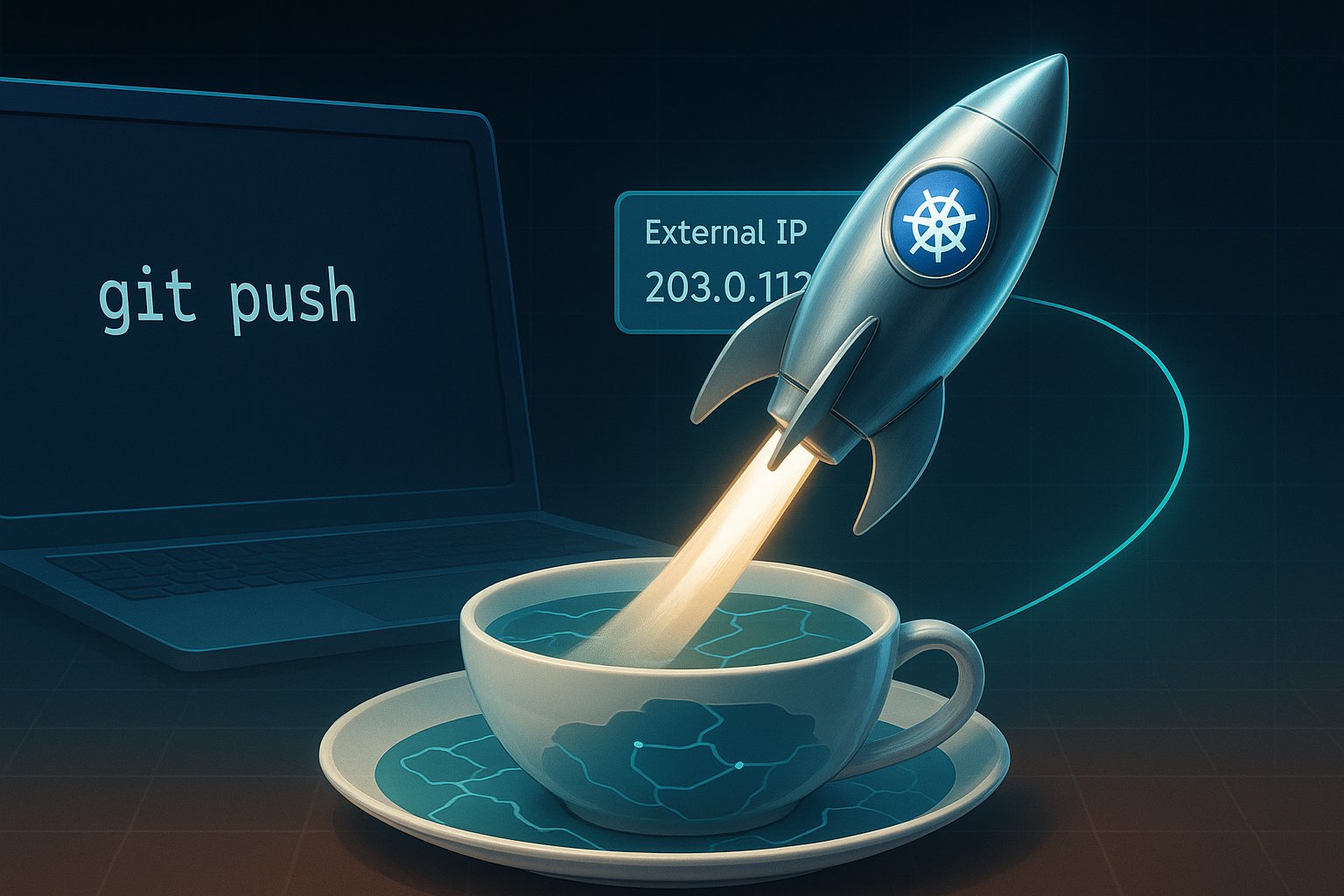
Category: Devops

  • From Zero to Hello World in 30 Minutes: A Founder’s Field-Guide to Shipping on Google Kubernetes Engine

    From Zero to Hello World in 30 Minutes: A Founder’s Field-Guide to Shipping on Google Kubernetes Engine

    Picture yourself as the CTO of a seed-stage startup on a Tuesday afternoon.
    An investor just pinged you: “Can we see the live MVP by Thursday?”
    Your code works on your laptop, but the world still thinks your product is vaporware.

    You need a runway, not a runway meeting.

    You need Google Kubernetes Engine—the hyperscaler’s equivalent of a fully-staffed launchpad that charges you only for the rocket fuel you actually burn.

    Today I’ll walk the tightrope between tutorial and treatise, turning the official GKE quickstart into a strategic story you can narrate to your board, your devs, or your future self at 2 a.m. when the pager goes off.

    Grab your coffee; we’re going from git clone to “Hello, World!” on a public IP in under thirty billable minutes—and we’ll leave the meter running just low enough that your finance lead doesn’t flinch.


    Act I: The Mythical One-Click Infra (Spoiler—There Are Six Clicks)

    The fairy-tale version says, “Kubernetes is too complex.”
    The reality: GKE’s Autopilot mode abstracts away the yak shaving.
    Google runs the control plane, patches the OS, and even autoscaling is a polite request rather than a YAML epic.
    But before we taste that magic, we have to enable the spellbook.

    1. Create or pick a GCP project—think of it as your private AWS account but with better coffee.
    2. Enable the APIs:
      • Kubernetes Engine API
      • Artifact Registry API

    Clickety-click in the console or one shell incantation:

    gcloud services enable container.googleapis.com artifactregistry.googleapis.com

    Three seconds later, the cloud is officially listening.


    Act II: From Source to Immutable Artifact—The Container Story

    We’ll deploy the canonical “hello-app” written in Go.

    It’s 54 MB: every HTTP request gets a “Hello, World!” and the pod’s hostname.

    Perfect for proving that something is alive.

    1. Clone the samples repo—your starting block:
    git clone https://github.com/GoogleCloudPlatform/kubernetes-engine-samples
    cd kubernetes-engine-samples/quickstarts/hello-app
    1. Stamp your Docker image with your project’s coordinates:
    export PROJECT_ID=$(gcloud config get-value project)
    export REGION=us-west1
    docker build -t ${REGION}-docker.pkg.dev/${PROJECT_ID}/hello-repo/hello-app:v1 .

    Notice the tag: us-west1-docker.pkg.dev/your-project/hello-repo/hello-app:v1.
    That’s not vanity labeling; it’s the fully-qualified address where Artifact Registry will babysit your image.

    1. Push it:
    gcloud auth configure-docker ${REGION}-docker.pkg.dev
    docker push ${REGION}-docker.pkg.dev/${PROJECT_ID}/hello-repo/hello-app:v1

    At this point you have an immutable artifact.
    If prod breaks at 3 a.m., you can roll back to this exact SHA faster than your co-founder can send a panicked Slack emoji.


    Act III: Birth of a Cluster—Autopilot vs. Standard Mode

    Time for the strategic fork in the road.

    • Standard mode = you manage the nodes, the upgrades, the tears.
    • Autopilot mode = Google manages the nodes, you manage the profit margins.

    For an MVP sprint, Autopilot is the moral choice:

    gcloud container clusters create-auto hello-cluster \
      --region=${REGION} \
      --project=${PROJECT_ID}

    Two minutes later, you have a Kubernetes API endpoint that fits in a tweet and a bill that starts at roughly $0.10/hour (plus the free-tier credit that erases the first $74.40 every month).
    If you’re running a single-zone staging cluster, that’s “free” in every language except accounting.


    Act IV: Deploy, Expose, Brag

    The kubectl ceremony is delightfully unceremonial.

    1. Deploy:
    kubectl create deployment hello-app \
      --image=${REGION}-docker.pkg.dev/${PROJECT_ID}/hello-repo/hello-app:v1
    kubectl scale deployment hello-app --replicas=3

    Three pods spin up; Autopilot quietly decides which nodes (virtual though they may be) deserve the honor.

    1. Expose:
    kubectl expose deployment hello-app \
      --type=LoadBalancer --port=80 --target-port=8080

    GCP’s control plane now orchestrates a Layer-4 load balancer—yes, that shiny external IP you’ll text to your users.

    1. Fetch the IP:
    kubectl get service hello-app

    Copy the EXTERNAL-IP, paste it into a browser, and watch the hostname change with every refresh.
    You have just built a globally reachable, autoscaled, self-healing web service while your espresso is still warm.


    Act V: Budget, Burn Rate, and Boardroom Storytelling

    Let’s translate the tachometer into English.

    • Cluster management fee: $0.10/hour (~$74/month without free tier).
    • Workload cost: Autopilot bills per pod resource requests.
      Our hello-app asks politely for 100 mCPU and 128 MiB RAM, so you’re looking at ~$3.50/month for three replicas in us-west1.
    • Load balancer: First forwarding rule is ~$18/month; subsequent rules share the cost.

    Total runway for a three-pod MVP: under $25/month—cheaper than the SaaS subscription you’re probably expensing for CI/CD.


    Act VI: Clean-Up or Level-Up

    If this was just a rehearsal, tear it down:

    kubectl delete service hello-app
    gcloud container clusters delete hello-cluster --region=${REGION}

    But if you’re shipping, keep the cluster and iterate:

    • Wire a custom domain via Cloud DNS and a global static IP.
    • Add a CI pipeline in Cloud Build that auto-pushes on every git push.
    • Swap the Service for an Ingress to get HTTP/2, SSL, and path-based routing without extra load balancers.

    Curtain Call: The Meta-Narrative

    Kubernetes used to be a rite of passage—an epic saga of YAML and tears.
    GKE’s Autopilot flips the script: infrastructure becomes a utility, like electricity or Wi-Fi.
    You still need to know Ohm’s Law, but you no longer need to string copper across the continent.

    So, dear founder, the next time an investor asks, “Can we see it live by Thursday?”
    Smile, push your chair back, and say, “Give me thirty minutes and a fresh cup of coffee.”


    Call to Action:
    Fork the hello-app repo, run the playbook above, and share your external IP—or your horror story—in the comments.

    Need deeper cost modeling? Drop your pod specs and traffic estimates; I’ll run the numbers in the GKE Pricing Calculator and post a follow-up.

    Let’s turn Thursday demos into Tuesday habits.

  • DevOps in 2024: Trends, Insights, and Practical Strategies to Navigate the Future


    Why DevOps Matters More Than Ever

    In the fast-evolving world of technology, where speed and resilience drive competitive advantage, DevOps has become indispensable.

    As of 2023, DevOps adoption is at an all-time high. Over 80% of organizations are embracing DevOps practices. This number is projected to climb up to 94%.

    This leap shows DevOps’ role in bridging the development and operations gap. It streamlines workflows, improves product quality, and accelerates time-to-market.

    With 2024 on the horizon, what’s next for DevOps? We’re seeing a shift in trends. The change is moving from AI-driven operations (AIOps) to refined DevSecOps practices. There is also an adoption of GitOps in infrastructure management.

    Let’s explore the trends that will shape the DevOps landscape. We will highlight actionable insights, strategies, and ways to understand core concepts. These will help you stay at the forefront.

    Key Trends in DevOps for 2024

    1. AIOps: Harnessing AI and ML for Operational Excellence

    AIOps, or AI-powered operations, is more than just an emerging buzzword. It’s an intelligent way of managing the sheer complexity of today’s distributed systems.

    AIOps platforms utilize AI and machine learning. They can analyze vast quantities of log and monitoring data. This allows them to spot anomalies, predict system failures, and trigger automated responses. For example, if an e-commerce company sees an unexpected surge in traffic, AIOps can detect early signals of system strain. It can then allocate resources. This helps to mitigate performance drops before customers feel any impact.

    AIOps allows teams to get ahead of potential disruptions, making it essential for organizations striving for 99.9% uptime. Gartner’s recent report on AIOps growth for further insights.

    If your team is new to AIOps, start by integrating AI capabilities into monitoring tools you already use. Look for platforms offering modular AIOps features, so you can adopt and scale as needed.

    2. DevSecOps: Integrating Security Seamlessly into DevOps Pipelines

    Security is a top priority, but traditional DevOps models often treat it as an afterthought. Enter DevSecOps—an approach that weaves security into every stage of the software development lifecycle.

    In 2024, this integration is going deeper, with automated security checks, dynamic vulnerability scanning, and compliance monitoring at every deployment.

    In a financial services company, as an example, to follow strict regulatory requirements. By adopting DevSecOps, this organization can automate compliance checks with each code commit. This approach reduces the risk of security breaches. It ensures compliance without slowing down release cycles.

    Implementing DevSecOps effectively, by shifting security ‘left’—embedding security checks early in the CI/CD pipeline. Automate vulnerability scans in development to catch issues before they escalate.

    [Additional Reading: industry insights in Puppet’s annual DevSecOps report.]

    3. GitOps: Revolutionizing Infrastructure Management through Version Control

    GitOps leverages Git repositories as a source of truth for managing infrastructure. It brings a level of transparency and consistency. This approach is especially beneficial for teams with complex infrastructures.

    With GitOps, every change in infrastructure configuration is tracked in Git. This tracking allows for easy rollbacks and collaborative workflows. It also minimizes configuration drift.

    Imagine a retail business scaling its cloud environment to support seasonal traffic. By using GitOps, it can automate scaling policies and test changes in pre-production. The business can also revert configurations if needed. All of this is done while maintaining a single source of truth in Git.

    Smaller teams can implement GitOps incrementally. Start by using Git for simpler configurations. Gradually extend it to more complex workflows as your team becomes more comfortable with the process.

    For GitOps best practices, refer to Weaveworks’ GitOps whitepaper.

    4. Platform Engineering: Enabling Self-Service for DevOps Teams

    Platform engineering teams focus on creating a self-service internal platform. This platform provides developers with tools, environments, and resources on demand. It reduces dependency on operations and fosters developer autonomy.

    Platform engineering standardizes tools, permissions, and workflows. This enables organizations to sustain consistent environments. It also caters to individual developer needs.

    A media streaming service looking to streamline its production pipeline can use platform engineering. It offers standard environments with built-in security and monitoring tools. This allows developers to focus on coding rather than configuration.

    Find common bottlenecks in your team’s workflow. A platform engineering team can address these pain points by creating preconfigured environments for common tasks. This approach speeds up development cycles and reduces repetitive work.

    Implementing Core DevOps Principles: Practical Applications for 2024

    Automation in Action: Streamlining with CI/CD and Infrastructure as Code (IaC)

    Automation remains a cornerstone of DevOps, and it’s more relevant than ever. Automation tools like CI/CD pipelines and Infrastructure as Code (IaC) simplify software delivery, eliminating manual errors and improving speed. CI/CD pipelines automate testing, building, and deployment, while IaC tools like Terraform allow teams to manage infrastructure configurations with code.

    Start with lightweight CI/CD solutions like GitHub Actions. These tools are accessible and integrate easily with Git repositories, making automation feasible even for smaller DevOps teams.

    Improving Developer Experience (DevEx): Key to Productive Teams

    DevEx, or Developer Experience, is becoming a top priority for organizations embracing DevOps. Companies should provide the right tooling and streamlined processes. They should also support experimentation. These factors ensure developers work in environments that foster innovation and reduce burnout.

    To enhance DevEx, focus on simplifying feedback loops. Make sure developers can access real-time metrics, error logs, and insights to minimize time spent troubleshooting and maximize coding time.

    DevOps Beyond 2024

    DevOps is no longer a luxury; it’s a strategic necessity. As we approach 2024, trends like AIOps, DevSecOps, GitOps, and platform engineering aren’t just innovations. They are shaping the future of software development. Organizations that adapt to these shifts stand to gain a competitive edge in speed, security, and scalability.

    How is your team preparing for the changes in DevOps this year? Share your thoughts, experiences, or insights in the comments below!